
To create reusable post templates for consistent content, you do not need another complicated editorial calendar. You need practical blueprints for individual posts: a reliable hook, a logical body, places for proof, and a fitting next step.
That distinction matters. A calendar tells you what you intend to publish and when. A post template helps you turn an idea into a credible draft when you have 45 minutes between meetings.
For founders, the blank page is rarely the real problem. The problem is the string of decisions that follows it: What is the angle? Which customer problem matters? How much detail is enough? What can I substantiate? What should the reader do next? Reusable templates give those decisions a default order without turning every post into the same post.
This guide shows how to create reusable post templates for consistent content across a blog, LinkedIn, and email. It also explains how to keep templates fresh, protect quality when time is tight, and add a review checkpoint before anything is published.
Post templates are not content calendars
Many content-template resources focus on planning tools: content calendars, editorial calendars, social schedules, and publishing trackers. Those are useful. Retable describes a content calendar as a way to organize planned content, channels, key details, and deadlines over time (content calendar overview).
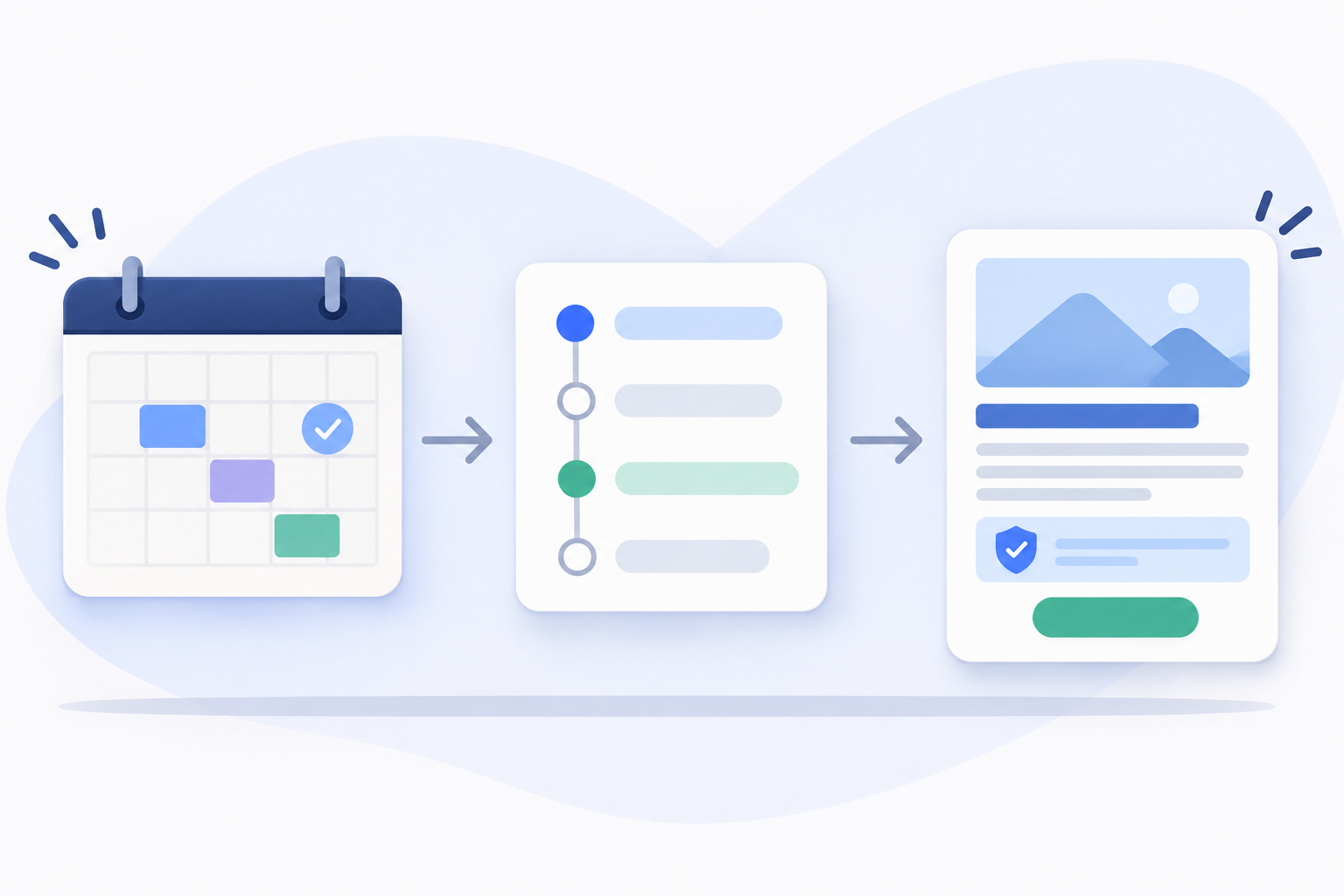
But a calendar does not answer the question that stalls a founder at 8:30 a.m.: “How do I write this post?”
| Template type | What it helps you decide | Typical contents |
|---|---|---|
| Calendar template | What to publish and when | Topic, channel, publish date, owner, status |
| Workflow template | Where a piece is in the process | Idea, draft, review, approved, scheduled |
| Post template | How to structure the message | Hook, argument, example, proof, CTA |
A lightweight editorial process benefits from all three. The calendar prevents surprises. The workflow makes work visible. The post template reduces drafting friction.
If your biggest obstacle is planning, start with a calendar. If you have good ideas but rarely turn them into published work, start with post templates.
Why founders struggle with consistent publishing even when they have ideas
Founders usually do not lack expertise or ideas. Publishing competes with urgent work, and every post requires several kinds of judgment at once.
You may know your customers well and collect promising notes all week. Yet when it is time to write, you still need to recover context, select an audience, choose an example, shape a narrative, check claims, and decide whether the post is ready to share.
The hidden cost is repeated decision-making
A founder often writes in fragmented blocks of time. Each return to a draft creates a mental restart: What was this about? Who was it for? What did I want the reader to understand?
Then come the smaller choices:
- Should the post begin with a story or a direct claim?
- Is this a teaching post, a point of view, or an update?
- Which example can be shared safely?
- Is the call to action useful or too promotional?
- Does this belong on the blog, LinkedIn, email, or only one channel?
Templates do not eliminate judgment. They reduce the number of judgments required before you can begin. Instead of choosing a structure from scratch, you select one that matches the job.
Consistency fails when “done” changes every week
Without a definition of done, one draft gets revised for days while another is posted too quickly. The result is an uneven cadence and uneven quality.
A template creates a baseline: one reader problem, one takeaway, one concrete example or proof element, and one next step. That baseline is useful when working out how to keep content quality consistent at speed. You can spend limited energy improving the substance rather than rebuilding the shape of the post.
What a reusable post template should include
A useful template is not a script to copy word for word. It has a stable spine, variable inputs, and a short quality check.
A fixed structure
The fixed structure gives the reader a coherent path. For an educational post, that might be:
> Problem → why it happens → practical approach → example → next step
For a product update, it could be:
> What changed → who it helps → why it matters → example of use → next step
The structure should be simple enough to remember and broad enough to apply to more than one topic.
Variable slots
Variable slots prevent a template from becoming stale. Write these into the template as prompts rather than prewritten claims:
- Audience: Who specifically is this for?
- Problem: What frustrating or costly situation are they in?
- Trigger: Why does this matter now?
- Angle: Is this a lesson, a contrarian view, a teardown, or an update?
- Example: What real situation, artifact, or scenario makes the point concrete?
- Proof: What can you show or explain without overstating?
- CTA: What is the most useful next action?
For instance, “Most teams get {belief} wrong” is not a finished hook. It is a prompt to make a specific, defensible argument.
Quality checks
Every template should end with a short review list. This is a recommendation, not a universal rule:
- Can a reader state the main takeaway in one sentence?
- Does the post include a concrete example, observation, or clearly labeled hypothetical?
- Are factual claims accurate and supportable?
- Does the CTA match the post’s purpose?
- Does the opening differ from the previous post?
That is enough to make quality more consistent without creating a slow approval process.
The founder template library: seven post types to start with
You do not need dozens of templates. Start with a small founder-focused library that covers common communication needs. The formats below are a practical starter set, not an exhaustive requirement.
1. Thought leadership or point-of-view post
Use it when: You want to help buyers see a familiar problem differently.
Structure: Common belief → where it breaks down → your principle → practical example → action.
> Most {audience} are told to {common advice}. That can work, but it fails when {condition}.
>
> Our view is {principle} because {reason}.
>
> In practice, that means {two or three actions}.
>
> For example, {specific scenario, decision, or observation}.
>
> If you are facing {problem}, start by {small next step}.
Keep it credible: Do not treat an opinion as a universal fact. State the conditions where your view applies.
2. Problem-solution educational post
Use it when: Your audience recognizes a problem but needs a clearer way to address it.
Structure: Problem → root cause → method → worked example → first action.
> If you are {audience}, you may recognize {problem}.
>
> The issue is often not {obvious explanation}. It is {root cause}.
>
> A practical approach is {method}:
>
> 1. {Step one}
> 2. {Step two}
> 3. {Step three}
>
> Imagine {illustrative scenario}. Instead of {old approach}, they could {new approach}.
>
> Start with {first step}.
This format can become a blog post, a LinkedIn carousel outline, or an email with one clear takeaway.
3. Product update post
Use it when: You have a confirmed change to explain and want readers to understand its relevance.
Structure: What changed → who it is for → prior friction → how the change helps → next action.
> New: {confirmed update}.
>
> This is most relevant for {use case or audience}.
>
> Previously, {specific friction}. Now, {plain-language description of the change}.
>
> Here is a simple example: {example}.
>
> To get started, {accurate next action}.
Keep release posts narrow. A list of features without context rarely helps readers decide whether an update matters.
4. Customer story or case-study post
Use it when: You have permission to share a customer situation, or you can describe a generalized and clearly anonymized pattern.
Structure: Context → constraint → approach → observable evidence → lesson.
> A {customer type or anonymized scenario} was dealing with {problem}.
>
> The important constraint was {constraint}.
>
> The approach was {actions taken}.
>
> The evidence we could observe was {approved, supportable evidence}.
>
> The lesson was {lesson}.
Only use quotations, metrics, or before-and-after claims that you are allowed to publish and can support. If you lack permission or evidence, turn the insight into an educational post instead.
5. Behind-the-scenes build or decision post
Use it when: You want to make your process visible without turning the post into a diary entry.
Structure: Decision → options considered → trade-off → choice → lesson.
> We needed to decide {decision}.
>
> We considered {option A} and {option B}.
>
> The trade-off was {trade-off}.
>
> We chose {choice} because {reason}.
>
> If you face a similar choice, evaluate {criterion} before copying anyone else’s playbook.
This format shows how you think, not merely what you sell.
6. Hiring, values, or operating-principles post
Use it when: You want to explain how the company works or what a prospective teammate or customer should expect.
Structure: Principle → behavior it changes → example → boundary → invitation.
> One principle we use is {principle}.
>
> In practice, it changes {behavior or decision}.
>
> For example, {specific example}.
>
> It does not mean {misinterpretation or boundary}.
>
> If this matters to you, {appropriate invitation or next step}.
The boundary matters. It prevents values language from becoming vague or performative.
7. Newsletter issue template
Use it when: You want a reliable weekly or biweekly rhythm without writing a long essay every time.
Structure: Opening observation → useful lesson → example → next action.
> This week, I noticed {observation}.
>
> The useful lesson is {lesson}.
>
> Here is what that looked like: {brief example}.
>
> If you are working on {related problem}, try {next step}.
A newsletter does not need to be a collection of links. One well-developed idea is often easier to write and more useful to receive.
How to keep templates from sounding repetitive
Templates become repetitive when you reuse the same language, examples, and angle—not when you reuse a sound structure.

Rotate the opening, not just the topic
Do not open two consecutive posts in the same way. Build a small hook bank:
- A direct observation: “Most founders do not have an idea problem.”
- A question: “What makes a publishing schedule fail after week two?”
- A moment: “At the end of a busy Thursday, the draft was still blank.”
- A contrast: “A calendar solves planning. It does not solve drafting.”
- A mistake: “We treated every post as a mini campaign. That slowed everything down.”
The body can use the same dependable structure while the opening creates a different entry point.
Rotate five angle families
A single subject can produce many useful posts when you change the lens:
- Contrarian: Where does common advice fail?
- Behind the scenes: What decision or trade-off happened?
- Teardown: What can a page, workflow, or message teach?
- Lesson learned: What changed after a mistake or observation?
- Myth versus reality: What oversimplified belief needs a better model?
For example, “consistent publishing” could become a myth-versus-reality post about motivation, a behind-the-scenes post about batching inputs, or a teardown of a weak CTA. The topic is related, but the reader experience is different.
Keep a story bank and a proof bank
Your templates need fresh inputs. Set up two simple lists.
Story bank: founder decisions, customer questions, recurring objections, mistakes, support patterns, product observations, and moments from sales calls that you are permitted to generalize.
Proof bank: approved screenshots, links to relevant resources, confirmed product details, customer quotes with permission, original research notes, and examples you can explain accurately.
Do not force every post to contain a metric. A specific process example or a transparent explanation of a trade-off can be more useful than an unsupported number.
Retable’s planning guidance includes fields such as topic, category, channel, date, status, and notes in a content calendar (see its suggested calendar fields). Adapt those fields to your own needs rather than copying a team workflow you do not need.
Adapt format by channel, not the underlying message
You can reuse the same core idea across channels without copy-pasting it.
- Blog: Explain the problem, method, examples, and limitations in depth.
- LinkedIn: Lead with a sharper opening, use short paragraphs, and make one main point.
- Email: Write more directly, with context and an invitation to reply.
Keep your principle and evidence consistent. Change the format to meet the reader where they are.
Implementation steps for a consistent publishing schedule
The following approach is designed for a solo founder or lean team. It is a recommended workflow, not a claim that one schedule fits every business.
Step 1: Choose one primary channel for the next month
Pick the channel that best matches your immediate goal and available capacity: your blog, LinkedIn, or email. Trying to establish a new cadence everywhere at once often creates more work than consistency.
Choose a cadence you can maintain in a difficult week. Then record each post as an idea, draft, ready for review, approved, or published. For a broader decision-making rhythm, see A Structured Content Planning Method for Founders.
Step 2: Start with three templates
Do not build a library of 12 templates before publishing anything. Pick three that cover your likely work:
- Point of view
- Problem-solution education
- Product or build update
Use each at least twice. Notice where you stall, which prompts produce weak drafts, and which parts require more evidence. Improve the template based on those observations.
Step 3: Batch inputs, not finished posts
Once a week, collect raw material:
- Questions asked by prospects or customers
- Notes from conversations
- Confirmed product updates
- Decisions you made and why
- Examples, screenshots, or resources you can use
- One or two CTAs relevant to the month’s priority
This is how to keep consistent content with limited time: prepare the ingredients when you have context, then draft from them later. You do not need to manufacture inspiration on publication day.
Step 4: Use a review checkpoint before publishing
A draft should not flow automatically from “written” to “published.” Stop at ready for review.
Check the audience, the accuracy of claims, the example, the tone, and the CTA. Ask: “Would I stand behind this if a customer, candidate, or partner read it?” If the answer is uncertain, revise or hold it.
This boundary is particularly important when drafting is delegated or AI-assisted. A tool can help organize, brainstorm, or draft, but it cannot replace founder judgment about truth, context, and brand voice.
Step 5: Record one reuse note after publishing
After each post, add a short note to the template: which opening you used, which proof type appeared, what felt repetitive, and what you would change next time.
That small loop turns templates into a living system rather than a static folder of documents.
A lightweight editorial process for consistent publishing
A lightweight editorial process does not mean skipping editorial judgment. It means keeping the process small enough to use every week.
Outline
Write a one-sentence reader outcome: “After reading this, the reader can ___.” Choose the template that serves that outcome. Add the example or proof before polishing the introduction.
Draft
Fill the structure quickly. Do not edit every line as you write. If an example is missing, leave a visible placeholder rather than inventing one.
Edit
Review in this order:
- Structure: Does the post make one coherent argument?
- Specificity: Does it show what the reader should do or understand?
- Claim safety: Are claims accurate, qualified, and supportable?
- Clarity: Can unnecessary language be removed?
- CTA: Does the next step fit naturally?
This order avoids spending time perfecting sentences in a section you may later remove.
Review and publish
Make final approval deliberate. For a fuller discussion of keeping a small workflow usable, read A Lightweight Editorial Process for Consistent Publishing. If you want to connect publishing with reader signals, Audience Engagement Workflow for Founder Content offers a related perspective.
When to reuse, refresh, or retire a template
Reuse a template when the communication job is the same and the inputs are genuinely new. A problem-solution template can serve five different customer questions without becoming repetitive if the examples, objections, and next steps change.
Refresh a template when its opening, CTA, or proof prompt is producing predictable drafts. Add new hook options, a stronger objection prompt, or a clearer instruction to include an example.
Retire a template when it consistently produces confusing posts, encourages vague claims, or no longer supports your communication goals. Do not retire it merely because you have used it several times. Reliable structures are an advantage when they still help readers understand the message.
Build consistency around judgment, not volume
When you create reusable post templates for consistent content, you build a bridge between a content plan and published work. Templates make drafting less dependent on mood, reduce repeated decisions, and create room for the work only a founder can do: supply context, choose trade-offs, verify what is true, and decide what is worth saying.
Start with three templates. Use variable slots instead of fixed phrases. Keep a small bank of stories and approved proof. Add a brief review checkpoint. Then improve the system after real publishing cycles, not in theory.
If content planning itself feels like the obstacle, Why Content Planning Feels Overwhelming as a Founder can help you narrow the work before expanding your template library.
The goal is not to make every post identical. It is to make useful publishing repeatable enough that your best ideas do not stay trapped in notes.